
Have photos from another camera or a drone? Upload them to the job from the web app.
Upload to a job
- Open the job and stay on the Media tab.
- Click Upload at the top right.
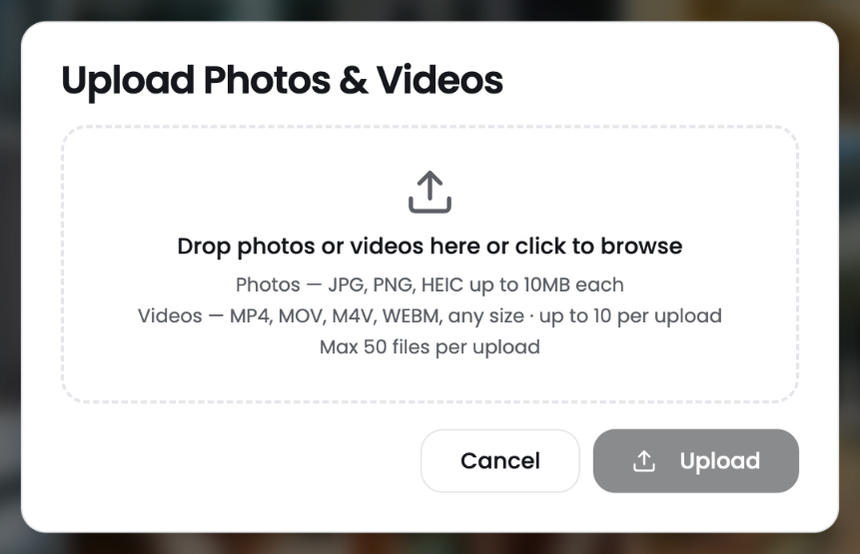
- Drag photos or videos into the box, or click to browse your computer.
- Click Upload.
Supported files
- Photos: JPG, PNG and HEIC, up to 10 MB each.
- Videos: MP4, MOV, M4V and WEBM, up to 10 videos per upload.
- Up to 50 files per upload.
Find your uploads
Uploaded files appear on the job's Media tab, grouped by day. You can also see them across all jobs on the Photos and videos page.