
Assign people to a job so they can see it, add photos and chat about it. You can add people one by one or add a whole group at once.
Assign people to a job
- Open the job.
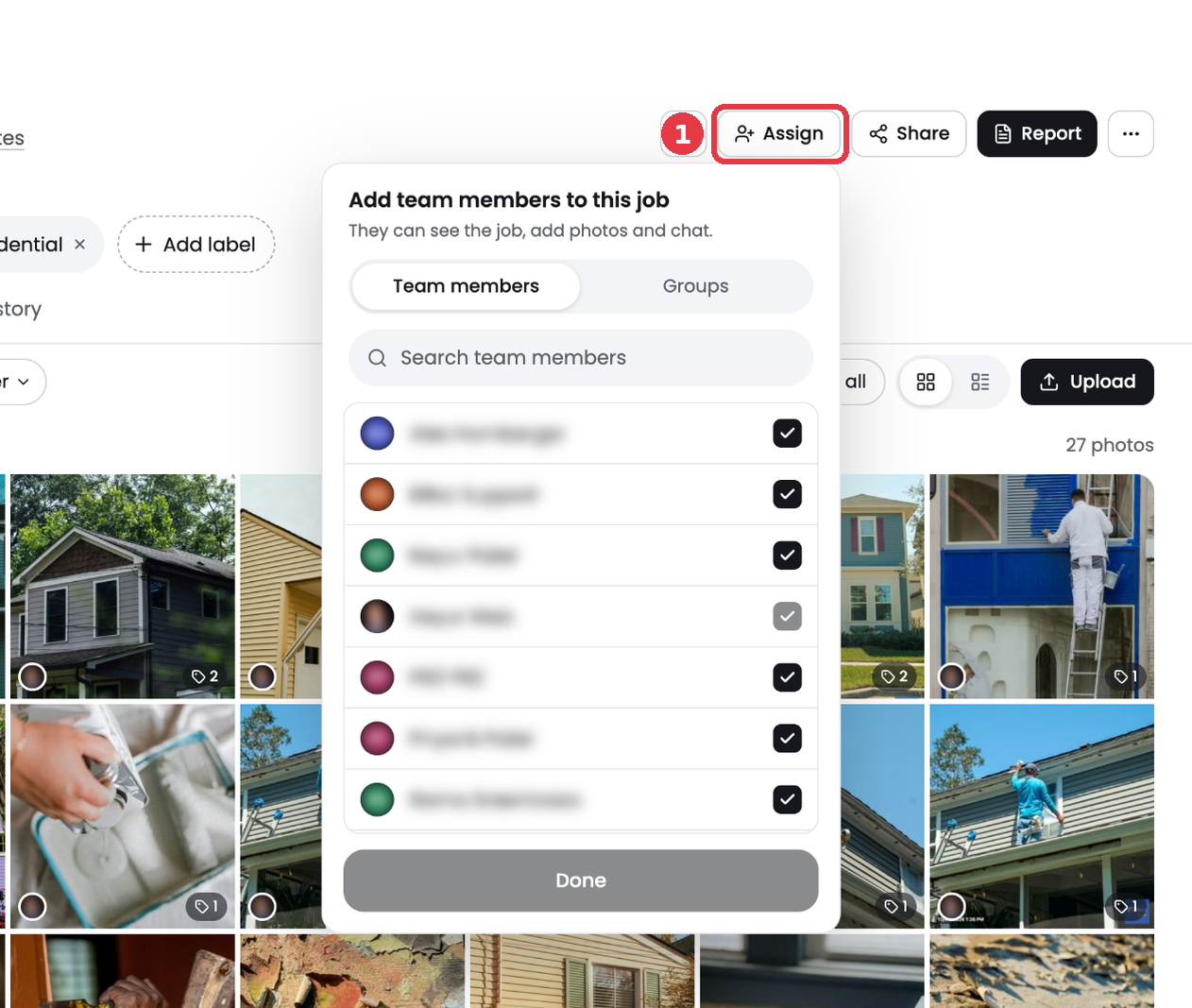
- Click Assign at the top right.
- On the Team members tab, check each person you want on the job. Use the search box to find someone fast.
- To add a whole crew, switch to the Groups tab and check the group.
- Click Done.
The people on a job show as avatars in the Assigned to column on the Jobs page. Use the Assigned to and Group filters to see who is working where.
Tip: Set up groups for crews that always work together.