
Every company on BlitzzCam has its own workspace. Your workspace has a web address like yourcompany.blitzzcam.ai. You sign in there with your email and password.
Sign in on the web
- Go to web.blitzzcam.ai.
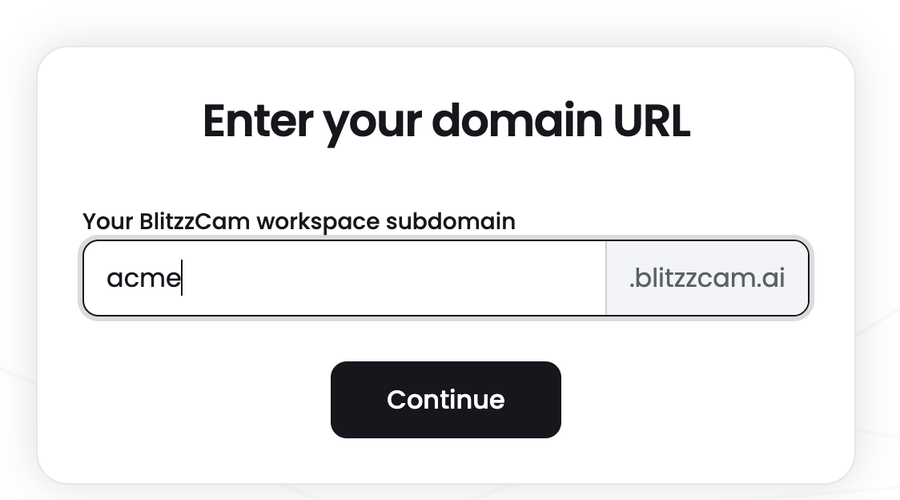
- Type your workspace subdomain. This is usually your company name, for example acme.
- Click Continue.
- Enter your email and password, then sign in.
Tip: Bookmark your workspace address, for example acme.blitzzcam.ai, so you can go straight to the sign in page next time.
Don't know your workspace name?
- Check your invitation email. The link in that email opens your workspace.
- Ask your BlitzzCam admin. Admins can see the address in their browser when they are signed in.
Sign in on your phone
Open the BlitzzCam mobile app and sign in with the same email and password you use on the web.