
Every team member has one role. The role controls what they can see and change.
| Role | What they can do | Good for |
|---|---|---|
| Admin | Full access to all settings, users and jobs. | Owners and office managers |
| Manager | View team members and manage the jobs assigned to them. | Project managers and crew leads |
| Inspector | Field inspections and reports. | Technicians, inspectors and field crews |
| Viewer | View dashboards and reports. | Estimators, sales and partners who only need to look |
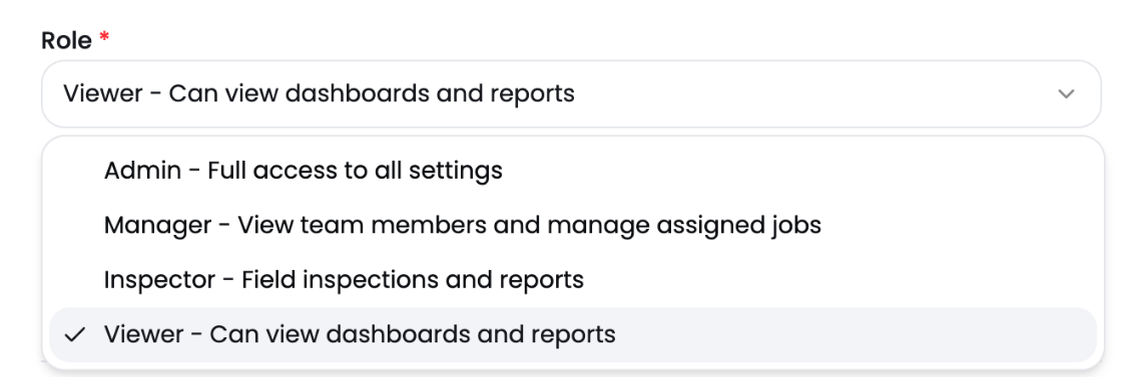
Pick a role
Choose the role when you invite someone. Give each person the lowest role that lets them do their job. You can change it later.
Tip: Keep the number of Admins small. Admins can change company settings and remove users.