
Integrations connect BlitzzCam to the software your office already runs on. Jobs come in from your other system, and the photos, reports and journals your crew captures go back to the right record automatically. Nobody has to export, email or re-upload images.
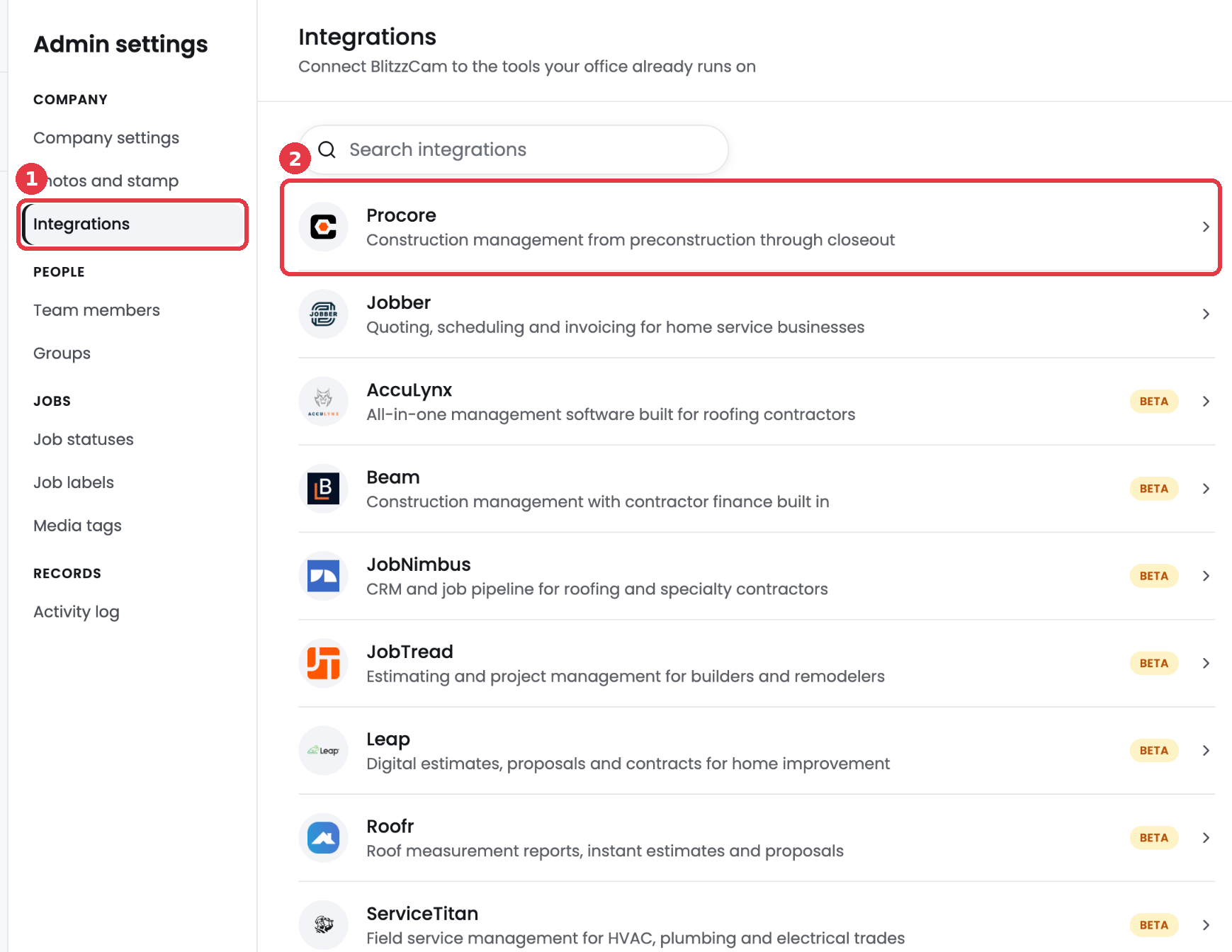
Find your integrations
- Go to Admin settings.
- Click Integrations.
- Click an integration to see what it does and to connect it.
Only admins can connect or disconnect integrations.
Available integrations
| Integration | Best for | Status |
|---|---|---|
| Procore | General contractors and construction management | Available |
| Jobber | Home service businesses | Available |
| AccuLynx | Roofing and exterior contractors | Beta |
| JobNimbus | Roofing and specialty contractor CRM | Beta |
| JobTread | Builders and remodelers | Beta |
| Leap | Home improvement estimates and contracts | Beta |
| Roofr | Roof measurements, estimates and proposals | Beta |
| ServiceTitan | HVAC, plumbing and electrical trades | Beta |
| QuickBooks | Accounting and invoicing | Beta |
| Google Drive | Backing up photos and reports to shared folders | Beta |
| Zapier | Connecting BlitzzCam to thousands of other apps | Beta |
What beta means
Beta integrations work today but are turned on per company. To request access, submit a ticket from this help center. Features may change while an integration is in beta.
How every integration behaves
- BlitzzCam only adds records, photos and files to the other system. It never edits or deletes your data there.
- Disconnecting stops sending. Nothing is removed from either side.
- Your authorization is encrypted and stored for your company only.