
Templates let your company reuse the same checklist on every job. BlitzzCam includes templates like Job Closeout, Pre Job Customer Walkthrough, Punch List Walkthrough, Daily Job Log and Site Safety Check.
Use a template on a job
- Open the job and go to the Checklists tab.
- Click New checklist and choose Use a template.
- Pick the template.
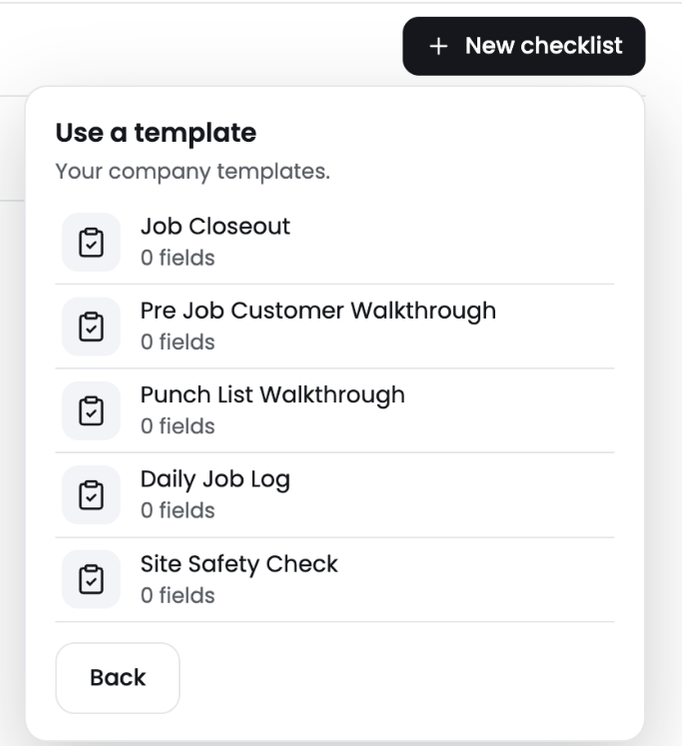
The checklist is added to the job with all the template's items. Changes you make on this job do not change the template.
See all checklists and templates
Click Checklists in the left menu to see every checklist across your jobs, grouped by in progress, not started and done.
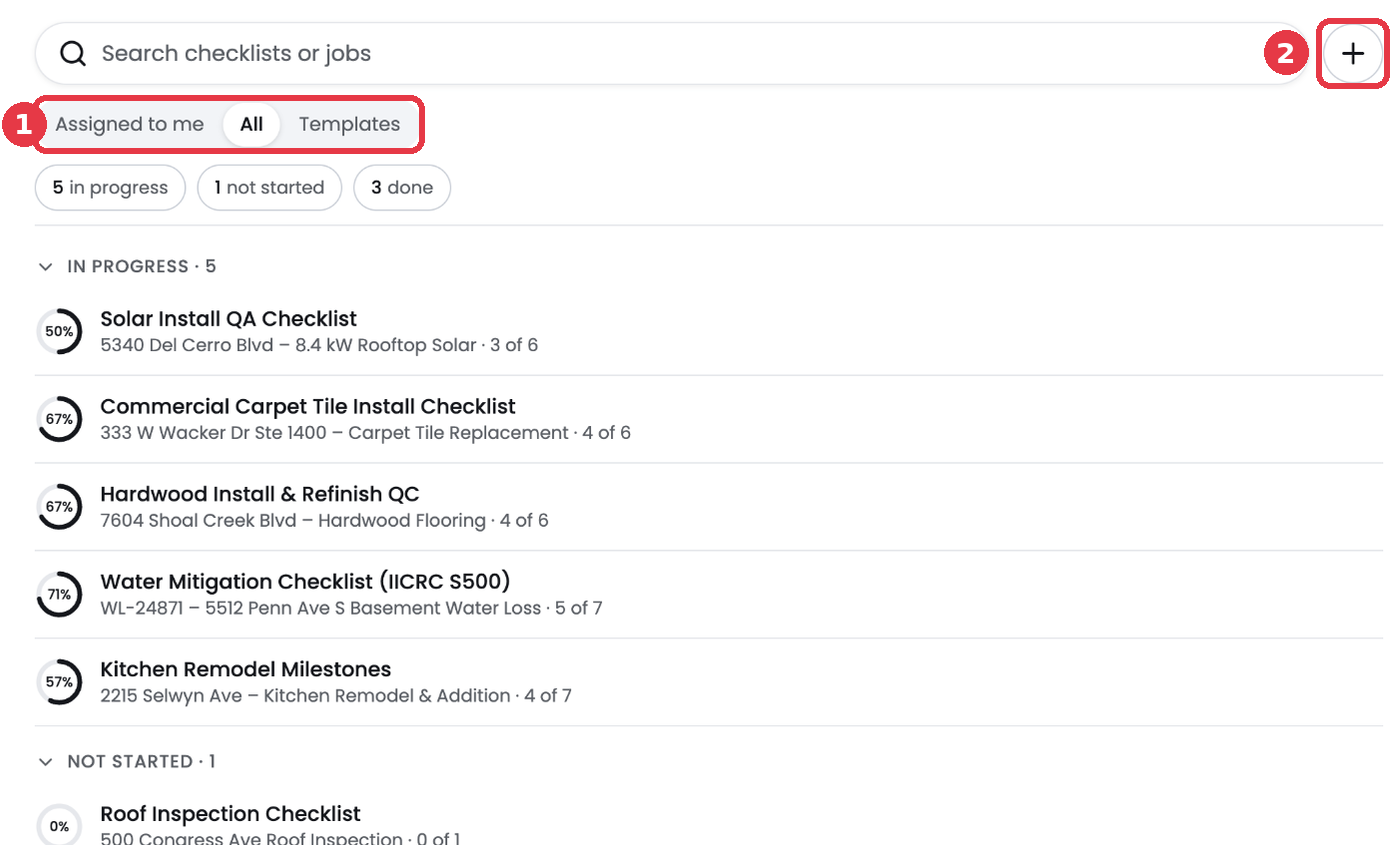
- 1. Switch between Assigned to me, All and Templates.
- 2. Click + to create a new template.
On the Templates view, click Use next to a template to add it to a job.